
The following backdrops are 1280 x 1024 bitmaps, suitable for putting on your PC at home or at work. The actual files are all quite large (small versions are displayed for convenience), so they have been packed up as 'zip' files to download more quickly.
To install:
click on one of the photos (you might need to double-click) and select 'Save'; Save to 'My Pictures' in 'My Documents' (or wherever else you prefer);
use Windows explorer to locate 'My Pictures' in 'My Documents' (or wherever else) and double-click on the downloaded file. Extract the .bmp file to 'My Pictures' in 'My Documents' (or wherever else you prefer);
from your Windows Desktop, right click on the background, and select Properties | Desktop. Click 'Browse', and find 'My Pictures' in 'My Documents' (or wherever else you used). Select the .bmp file that you have extracted. Click 'Apply' to see the effect without committing yourself, 'Ok' if you are happy with it (or otherwise, 'Cancel').
'Mint Tea' (865kb zip file)
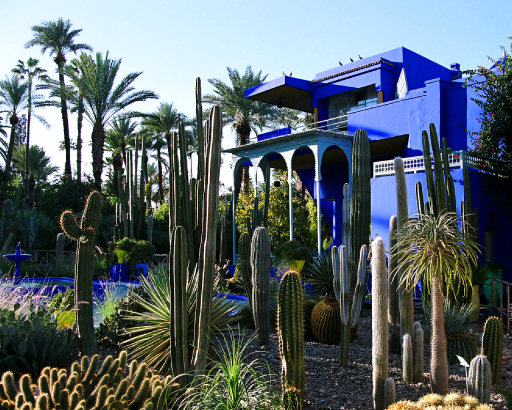
'Jardin Majorelle' (1709kb zip file)
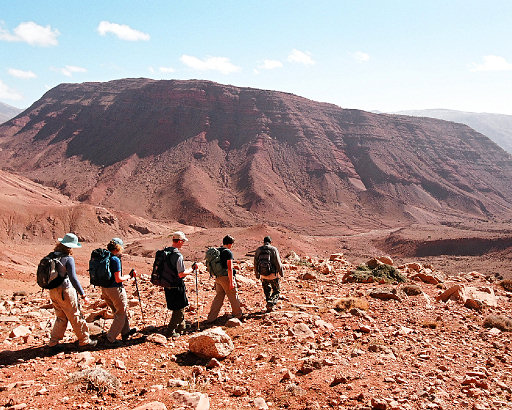
'Walking Down' (1256kb zip file)
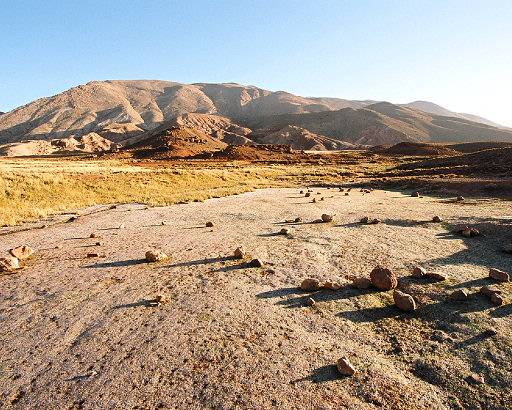
'Early Sun' (2022kb zip file)